Design Systems as Infrastructure—Not Decoration
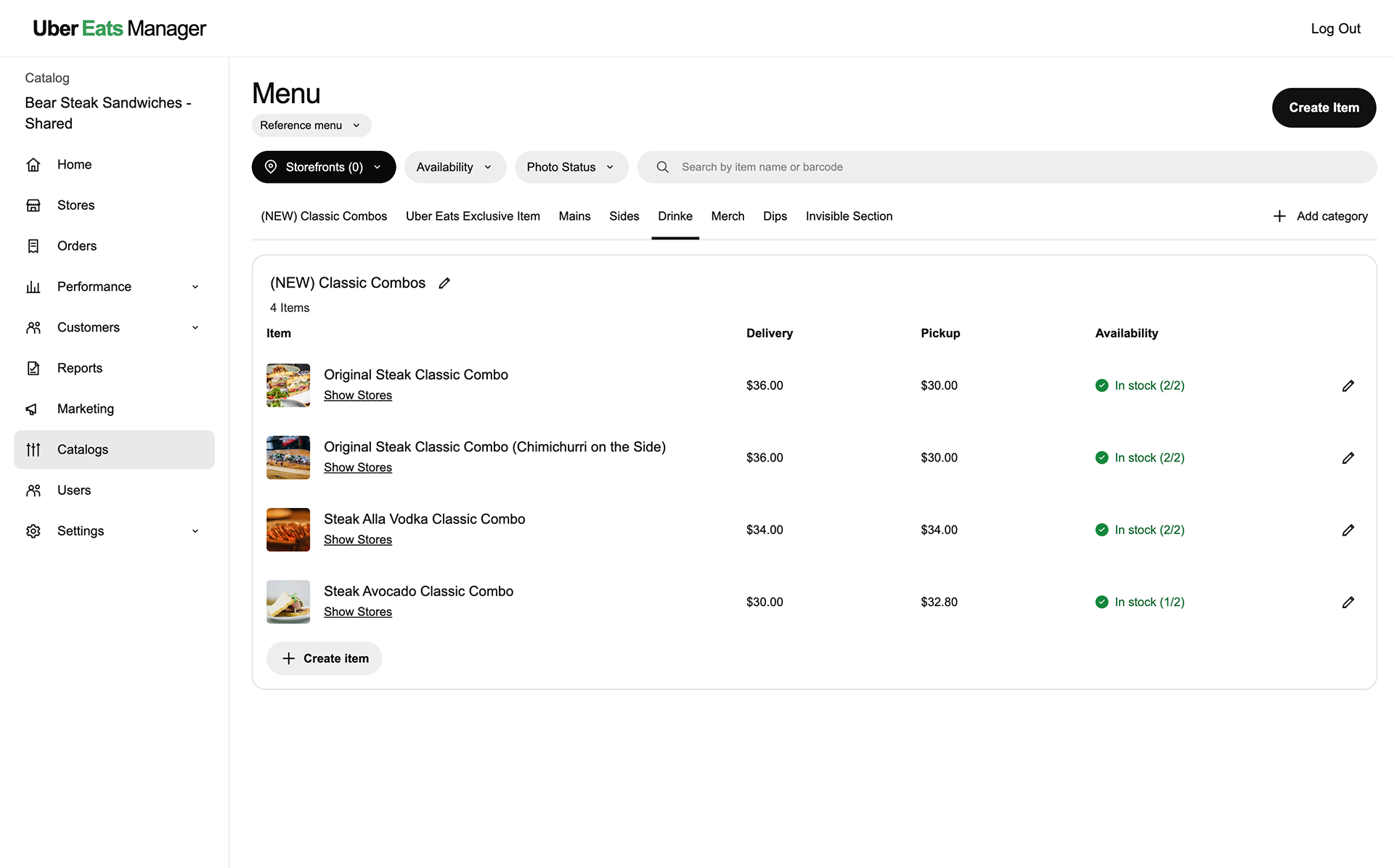
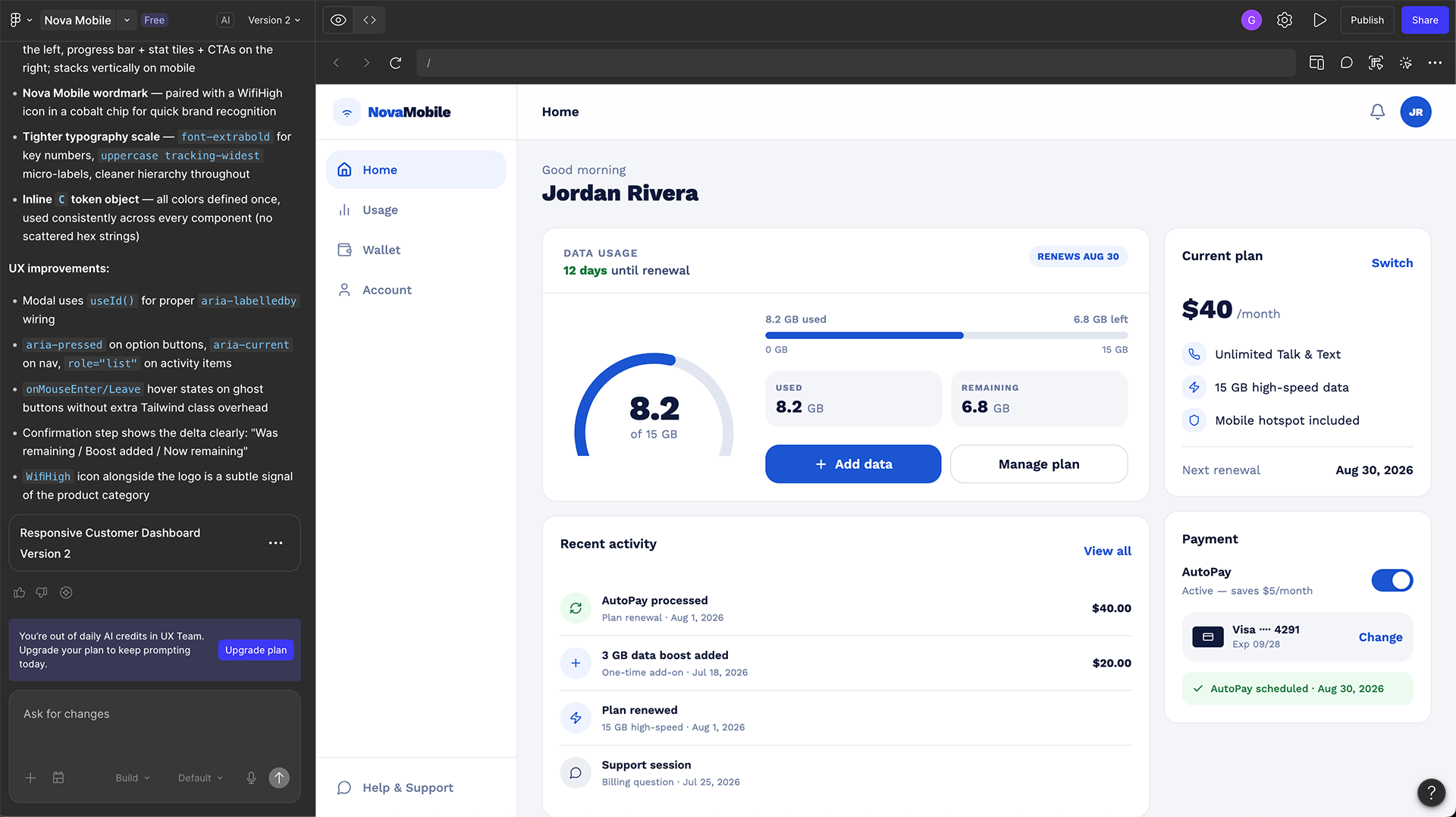
During my consulting years, I’ve often compared design systems to interior design. Too many teams treat design like picking a color palette after the house is already built—they grab a UI kit, apply a theme, and hope it holds. It looks polished at first, but the deeper you go, the more you see the cracks.
At scale, this approach collapses. Buttons may share the same shade, but nothing truly feels like the brand. Engineers hack CSS just to make things fit. Accessibility becomes reactive instead of intentional. Users move through apps that technically work, but feel as inconsistent as rooms painted in matching colors without a shared plan.
Netflix solved this differently. Instead of painting over the surface, they built Hawkins—their own design system. Not just a palette, but a blueprint where brand, usability, and engineering scale together.
Every company that wants to move fast and stay coherent needs its own Hawkins—a system that encodes brand and accessibility into tokens and components.
What a Design System Really Means
A design system is a product for building products—a living set of rules and building blocks that makes great design repeatable.
When these layers work together, teams stop debating the basics and start solving real problems.
Why Hawkins Became Netflix’s Backbone
Netflix runs hundreds of tools—from studio software that manages pitches and budgets to the apps we watch on. Without a system, each app becomes its own island. Hawkins turned those islands into an ecosystem.
Borrowed Kits vs. Custom DNA
Every team reaches the same crossroad: rely on an off-the-shelf kit or define its own system. Borrowing Material UI can feel like choosing a premade color palette—fast and neat. But when every neighbor paints with the same palette, the houses begin to blur together.
Owning your system is different. It is slower at first because you are choosing the shades, testing the finishes, and setting the rules. The payoff is identity. Your product stops looking like “Material UI with a logo” and starts looking unmistakably yours.
Control your design language and tokens. Borrow tooling where it accelerates you. That balance is sustainable.
The Compounding Payoff
Field Notes from Consulting
I repeatedly see duplicated CSS spread across projects until no one knows which class controls what, designers recreating familiar patterns instead of solving new problems, and accessibility issues discovered late in QA rather than addressed at the source.
The absence of a system does not just slow teams down—it burns them out. Even smaller organizations benefit from starting with tokens, a few core components, and documentation tied to real usage.
What’s Next for Design Systems
Build Your Own Hawkins
Design is not decoration. It is infrastructure. Off-the-shelf kits can help a team begin, but a thoughtfully designed system is what helps the organization scale with coherence, speed, accessibility, and identity.
Your design system should make the right product decisions easier to repeat.